

Understanding the different types of calculators is key when choosing the right one for your needs. Here’s a complete breakdown of the major categories of calculators and their uses:
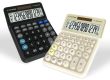
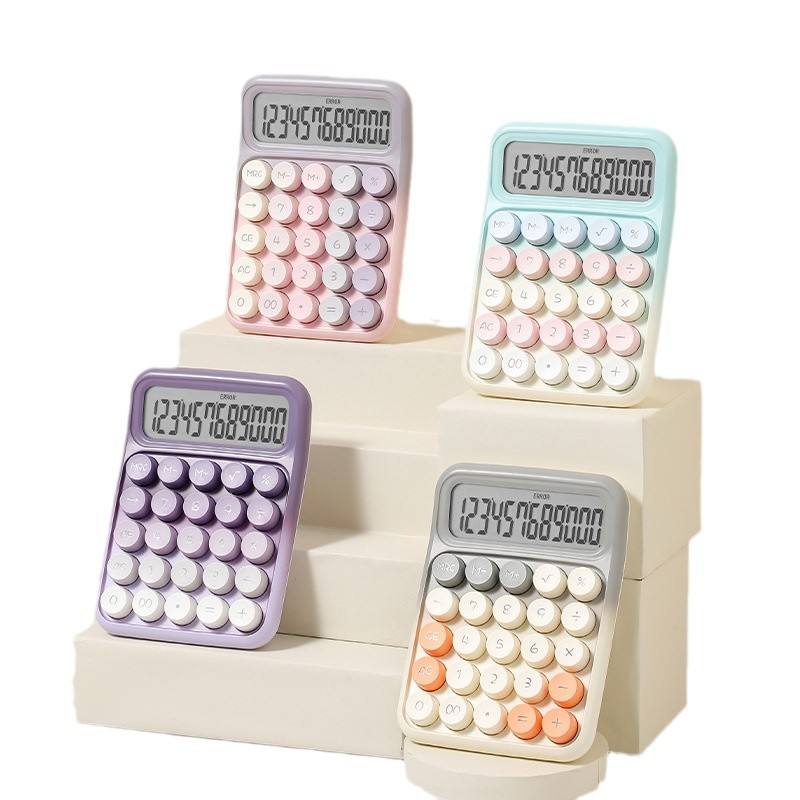
1. Basic Calculators
- Description: These calculators perform simple arithmetic functions like addition, subtraction, multiplication, and division.
- Common Uses:
- Everyday use for basic math tasks.
- Simple budgeting, shopping, or cooking calculations.
- Features:
- No advanced functions like percentages, square roots, or scientific operations.
- Examples:
- Basic pocket calculators or desktop models.
- Example: Casio MS-80B.
2. Scientific Calculators
- Description: These calculators are designed for higher-level math and include functions like trigonometry, logarithms, exponents, and square roots.
- Common Uses:
- High school math (algebra, geometry, trigonometry).
- College-level math (pre-calculus, physics, chemistry).
- Features:
- Functions for dealing with fractions, square roots, trigonometric functions (sin, cos, tan), and scientific notation.
- Some have multi-line displays, allowing users to see past calculations.
- Examples:
- Casio fx-300MS, TI-30XIIS, or Sharp EL-W531.
3. Graphing Calculators
- Description: These calculators allow you to plot graphs, solve equations, and perform advanced functions like matrix operations and calculus.
- Common Uses:
- High school and college math (pre-calculus, calculus, linear algebra, statistics).
- Engineering, physics, and computer science.
- Features:
- Graph plotting (in 2D or 3D).
- Ability to solve equations algebraically and numerically.
- Functions for calculus (derivatives, integrals), matrices, and probability.
- Some models have programmable functions for custom calculations.
- Examples:
- TI-84 Plus CE, TI-Nspire CX II, Casio fx-9750GII.
4. Programmable Calculators
- Description: These are specialized calculators that can store and run user-written programs.
- Common Uses:
- Advanced engineering and science problems where repetitive tasks need to be automated.
- Writing custom functions to simplify complex calculations.
- Features:
- Ability to store programs and recall them for future use.
- Complex computations that are repeated or require multi-step processes.
- Examples:
- TI-89 Titanium (widely used in engineering and advanced calculus).
- HP Prime (touchscreen interface with programmable capabilities).
5. Financial Calculators
- Description: These calculators are designed for business, finance, and accounting tasks, such as calculating interest rates, loan amortization, and investments.
- Common Uses:
- Business students and professionals.
- Investment analysis, budgeting, loan calculations, and tax planning.
- Features:
- Specialized functions for present/future value, net present value (NPV), internal rate of return (IRR), and amortization.
- Time value of money calculations, profit margins, and cost estimations.
- Examples:
- HP 12C Financial Calculator.
- Texas Instruments BA II Plus.
6. Scientific-Graphing Hybrid Calculators
- Description: A blend between scientific and graphing calculators, these are often compact but still provide some graphing capabilities alongside scientific functions.
- Common Uses:
- High school students who need basic graphing features without needing the complexity of advanced graphing calculators.
- College students studying subjects like statistics or business math.
- Features:
- Limited graphing capabilities compared to full graphing calculators.
- Still have trigonometric, logarithmic, and other scientific functions.
- Examples:
- Casio fx-9750GII.
7. Advanced Calculators (with CAS)
- Description: These calculators come with a Computer Algebra System (CAS), which allows them to manipulate algebraic expressions symbolically (like factoring polynomials, solving equations algebraically).
- Common Uses:
- College-level math, especially in courses like abstract algebra, advanced calculus, and engineering.
- Fields that require symbolic manipulation of expressions, like physics and computer science.
- Features:
- Symbolic solving, integration, differentiation, and complex equation solving.
- Step-by-step solutions to help students learn problem-solving methods.
- Examples:
- TI-Nspire CX II CAS.
- TI-89 Titanium.
- HP Prime.
8. Statistical Calculators
- Description: These calculators are specifically designed for working with statistics, including mean, median, standard deviation, correlation coefficients, and regression analysis.
- Common Uses:
- Statistics courses at the high school and college level.
- Research and analysis for data-driven fields like economics and psychology.
- Features:
- Statistical data entry and analysis functions (one-variable and two-variable statistics).
- Regression analysis (linear, quadratic, etc.), probability distributions, and hypothesis testing.
- Examples:
- TI-84 Plus CE (has statistics capabilities).
- Casio fx-9750GII.
9. Online Calculators and Apps
- Description: These calculators are software-based or app-based, and they can be accessed from your computer, tablet, or phone.
- Common Uses:
- For quick calculations when you don’t have a physical calculator.
- As a learning tool or alternative when a physical calculator is not allowed.
- Features:
- Many free apps and websites offer scientific and graphing calculator functionalities.
- Some apps allow you to input and manipulate algebraic expressions, graphs, and even provide step-by-step solutions.
- Examples:
- Desmos (Graphing Calculator).
- GeoGebra.
- Wolfram Alpha (good for advanced math and CAS-style problems).
Key Features to Look For:
- Display Type: Monochrome vs. color display. Color displays can help visualize complex graphs.
- Battery vs. Rechargeable: Rechargeable batteries are convenient but may need more frequent charging.
- Functionality: Consider whether you need basic math, advanced algebraic manipulation (CAS), or graphing capabilities.
- Exam Restrictions: Ensure your calculator is allowed in exams like SAT, ACT, or AP tests.
- Price: Budget calculators may suffice for high school, but more advanced ones are often necessary for college-level courses.
Conclusion:
The type of calculator you choose depends on your specific needs and field of study. If you’re just starting with basic math, a scientific calculator might suffice. For higher-level courses or those involving complex graphing or algebra, you’ll need a graphing or programmable calculator. For financial and business studies, financial calculators are best, and for advanced math, a CAS-equipped calculator will be most beneficial.